EzyCad documentation
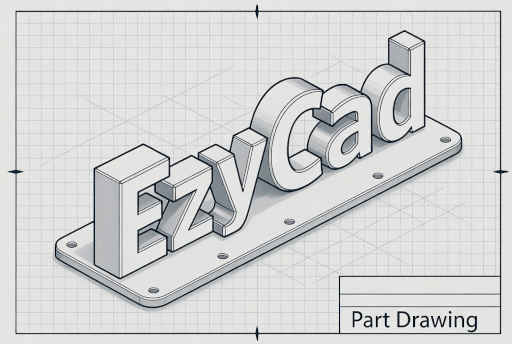
EzyCad (Easy CAD) is an open-source CAD application for hobbyist machinists. It uses Open CASCADE Technology (OCCT), Dear ImGui, and OpenGL for 2D/3D modeling and exports STEP, STL, and other formats for CNC or 3D printing.
Source: https://github.com/trailcode/EzyCad
Run in browser (WebAssembly): https://trailcode.github.io/EzyCad/EzyCad.html
Note
EzyCad (with a y) is mechanical CAD — not EZCAD2/EZCAD3 laser marking software.
The documentation is organized into user guides, building instructions, and contributor style guides. All content is written in Markdown in the repository.
User Guide
- EzyCad Usage Guide
- EzyCad 2D Sketching Guide
- Table of Contents
- Sketching (2D)
- Sketch origin
- Sketch snapping
- Hotkeys
- Line Edge Creation Tools
- Multi-Line Edge Tool
- Circle Creation Tools
- Circle Creation Workflow
- Arc Segment Creation Tool
- Rectangle and Square Creation Tools
- Slot Creation Tool
- Bone Creation Tool
- Operation Axis Tool
- Dimension Tool
- Add Node Tool
- Create Sketch from Planar Face Tool
- Image underlay
- EzyCad settings
- 3D viewer (Open CASCADE)
- EzyCad scripting
Building
Contributing & Style Guides